
Color Sorting
How to Play
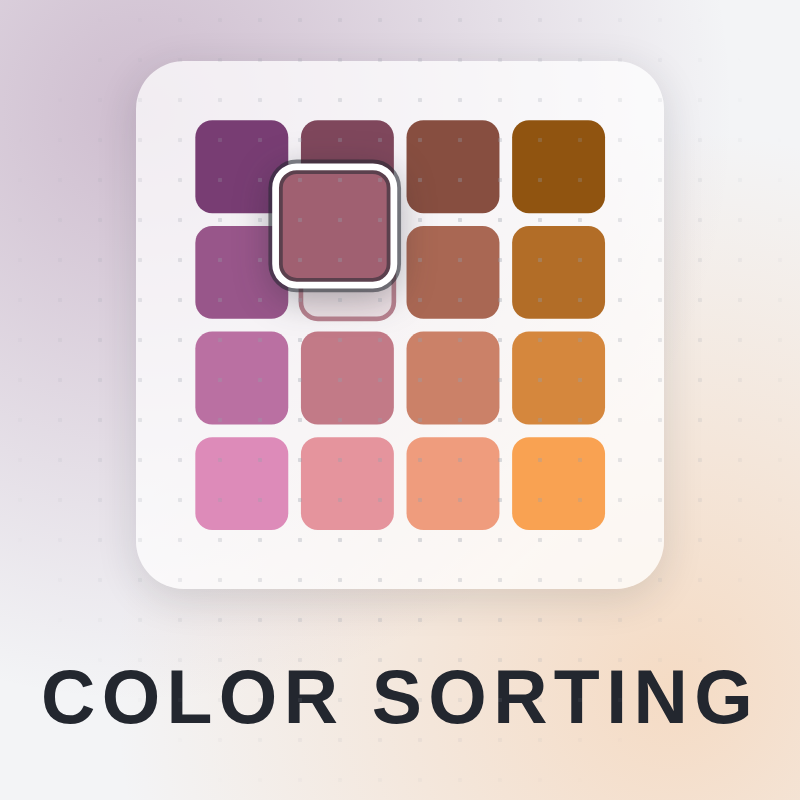
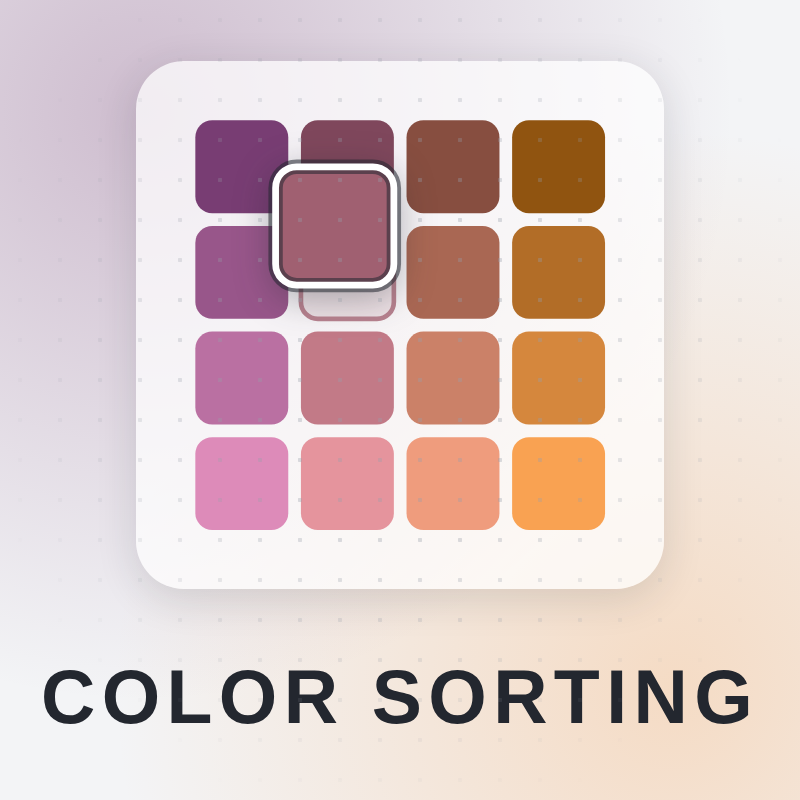
Desktop and mobile: drag a tile onto another to trade the two, or tap (click) a tile and then a second one. Pinned tiles never move — they are what fix the gradient. Undo takes back one swap, Reset returns to the shuffle, Hint plays an optimal swap, New puzzle deals a fresh board. Goal: put the shuffled gradient back in order until colour flows evenly across the whole board. Par is the fewest swaps that can finish it, and there is no time limit.
About Color Sorting
Color Sorting is a color puzzle that you play online in your browser. Each board is one smooth gradient cut into tiles and shuffled. Your job is to swap tiles until the color flows evenly across the whole board again. Nothing is poured, so it is not a water sort game. It is a colour sort built on reading the gradient. What sets it apart is that nothing is a guess. Pinned tiles never move, and the corners fix the gradient, so every other tile has exactly one place it belongs. Par is the fewest swaps that can finish the board. It is computed rather than estimated, so it is a target you can really beat. There is no time limit, though personal best and average times are kept for each difficulty. Choose Easy, Medium, or Hard for 5x4, 7x5, or 9x6 boards. To swap, drag a tile onto another, or tap one tile and then a second. Undo takes back a swap, Reset returns to the shuffle, and New puzzle deals a fresh board. Hint always plays an optimal swap. Colors are generated in OKLab, so equal steps look equal. Boards stay readable with red and green removed, and a colour-blind palette option in Settings goes further. It is free on PC, phone and tablet, with no download or sign-up.
Tips for Color Sorting
- Start with the pinned tiles and corners. They fix the gradient, so the tiles near them are the easiest to place.
- Work along the edges first, then fill in toward the middle once the outer rows look right.
- Aim for par. Each swap should put at least one tile where it belongs, so avoid shuffling tiles around without a plan.
- Stuck on a board? Use Hint, which always plays an optimal swap, then study why that tile belongs there.
- Try Undo or Reset to test an idea instead of leaving a poor swap on the board.
Color Sorting FAQ
Is this color sorting game free?
Yes. It is free to play online in your browser, with no download and no sign-up.
How do I play Color Sorting?
Drag a tile onto another to trade them, or tap a tile and then a second one. Keep swapping until the gradient flows evenly across the board.
Is it like a water sort game?
No. Nothing is poured. You swap tiles to rebuild a shuffled gradient, and each tile has exactly one correct place.
Can I play it on my phone?
Yes. It works on PC, phone and tablet. On touch screens you can drag tiles or tap two tiles to swap them.
Similar games
- Jigmerge Puzzles - Also about putting pieces in the right place, but with jigsaw-style pieces instead of a color gradient.
- Fill The Lines - A different kind of logic puzzle where you fill lines instead of swapping tiles.
- Tile Match Explorer - Matches tiles to clear them, while Color Sorting has you swap tiles to restore a gradient.