Mix & Paint 3D
How to Play
Recreate the target color and paint the 3D object. Reach at least 60% accuracy to pass the level, and aim for 90% or higher for a perfect result. Click or tap a pigment to load the brush, then hold and drag across the palette to mix colors. During painting, hold and drag to move the brush or spray across the object. Use Clear, Hint, and Done by clicking or tapping their buttons. The game uses a mouse or touchscreen; no keyboard keys are required.
About Mix & Paint 3D
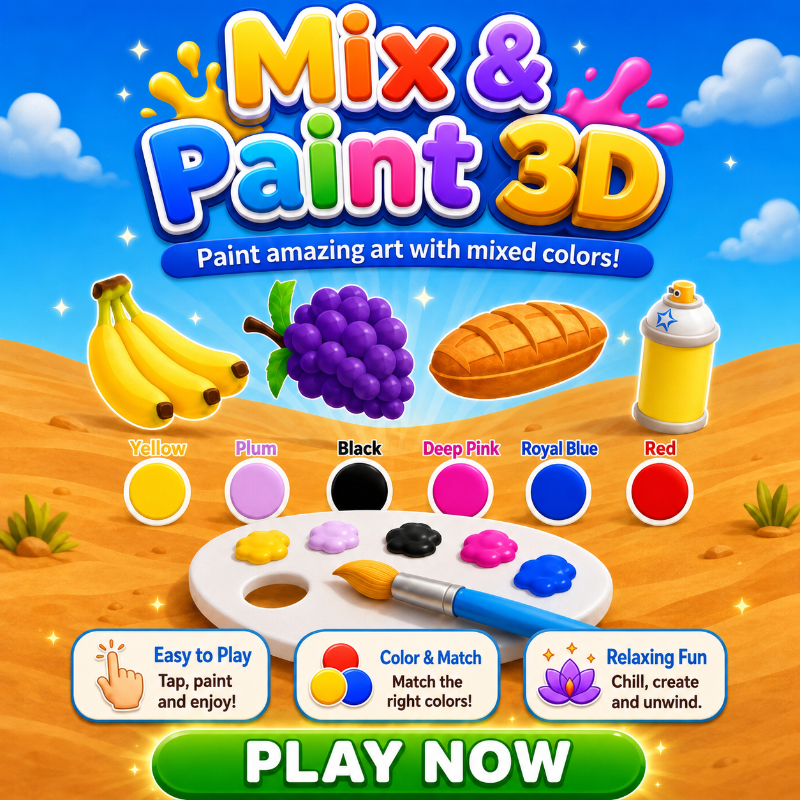
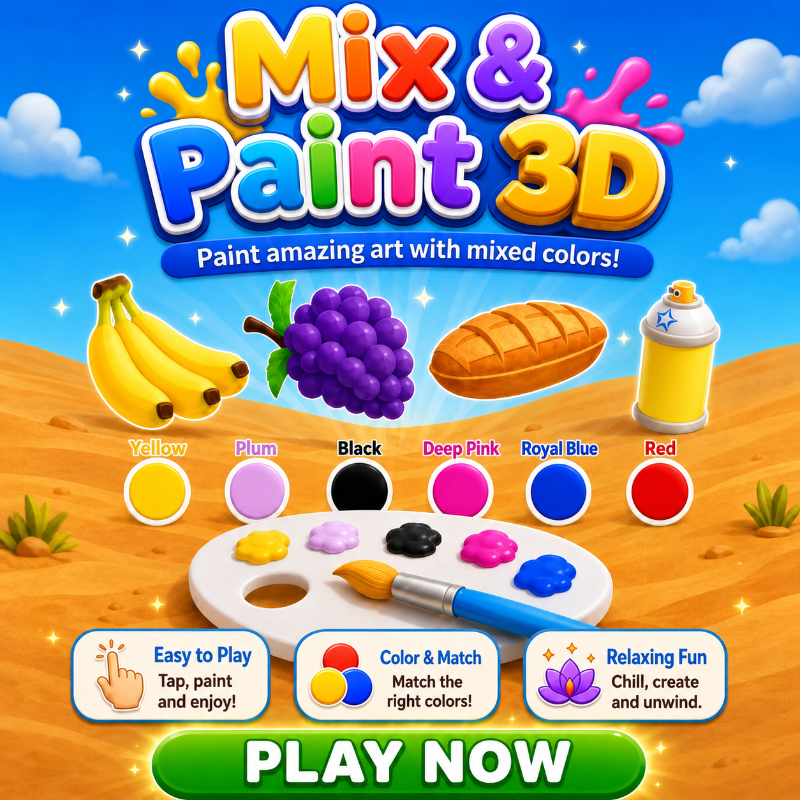
Mix & Paint 3D is a relaxing color-mixing puzzle where you recreate a target shade and use it to paint a 3D object. Each level starts at the palette. You pick pigments, blend them until the color looks right, then switch to painting and see how close your result gets. What sets it apart from other mix games is that the job has two parts. First you mix by eye, then you apply the color to the object with a brush or spray. After you finish, the game shows an accuracy score. You need at least 60% to pass a level, and 90% or higher counts as a perfect result. Controls are simple and need only a mouse or touchscreen. Click or tap a pigment to load the brush, then hold and drag across the palette to mix. When painting, hold and drag to move the brush or spray over the object. The Clear, Hint and Done buttons are all one click or tap away. It is free to play in your browser on PC, phone or tablet, with no download and no sign-up.
Tips for Mix & Paint 3D
- Add pigments a little at a time so you can see how each one shifts the blend before you commit.
- Use the Hint button when a shade looks close but not right, then adjust your mix from there.
- Press Clear if your palette gets muddy and start the blend again instead of piling on more pigment.
- Cover the whole object evenly while painting, since gaps and uneven spray can lower your accuracy.
- Aim for 60% to pass, then replay levels to reach 90% or higher for a perfect result.
Mix & Paint 3D FAQ
Is Mix & Paint 3D free to play?
Yes. It is free, runs in your browser and needs no download or sign-up.
How do I mix colors in the game?
Click or tap a pigment to load the brush, then hold and drag across the palette to blend colors until you match the target shade.
What accuracy do I need to pass a level?
You need at least 60% accuracy to pass. Reaching 90% or higher gives a perfect result.
Can I play on my phone?
Yes. It works on phones and tablets with touch controls, as well as on PC with a mouse. No keyboard is needed.
Similar games
- Fill The Lines - Another calm puzzle, but it is about filling lines rather than mixing colors.
- Arrow Cube 3D - A 3D puzzle focused on logic and clearing a cube, not painting.
- Jigmerge Puzzles - A merge-style puzzle with no color mixing or accuracy score.