Tile Pop : Block Blast
How to Play
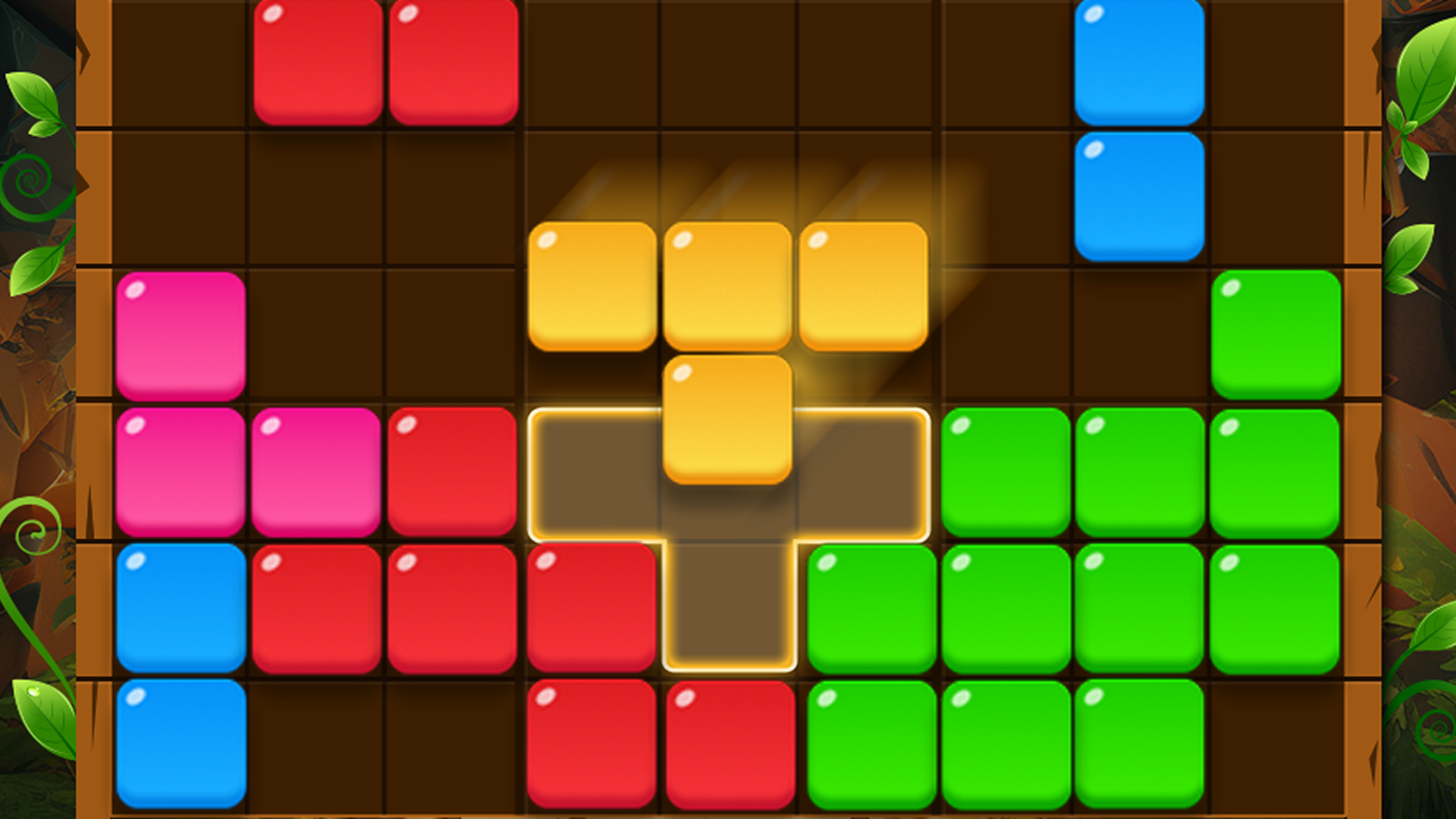
🖥️ Desktop (Mouse) Select & Drag: Click and hold Left Mouse Button on any of the 3 available blocks at the bottom of the screen, then drag it onto the grid. Place Block: Release the mouse button over valid highlighted grid cells to drop the block. 📱 Mobile (Touch Screen) Select & Drag: Touch and hold your finger on any block shape at the bottom, then slide your finger to position it on the grid. Place Block: Lift your finger when the block aligns over open grid cells.
About Tile Pop : Block Blast
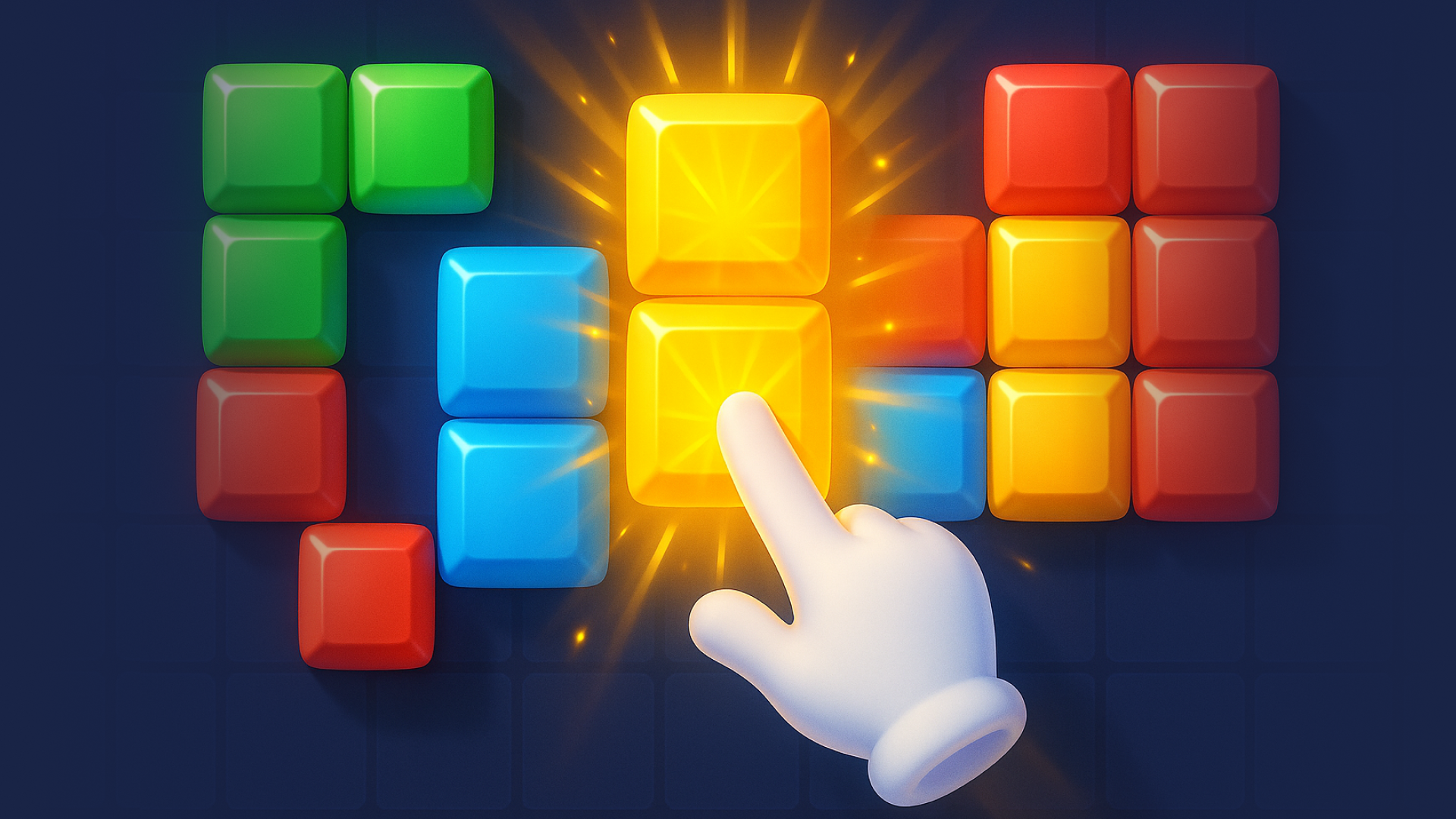
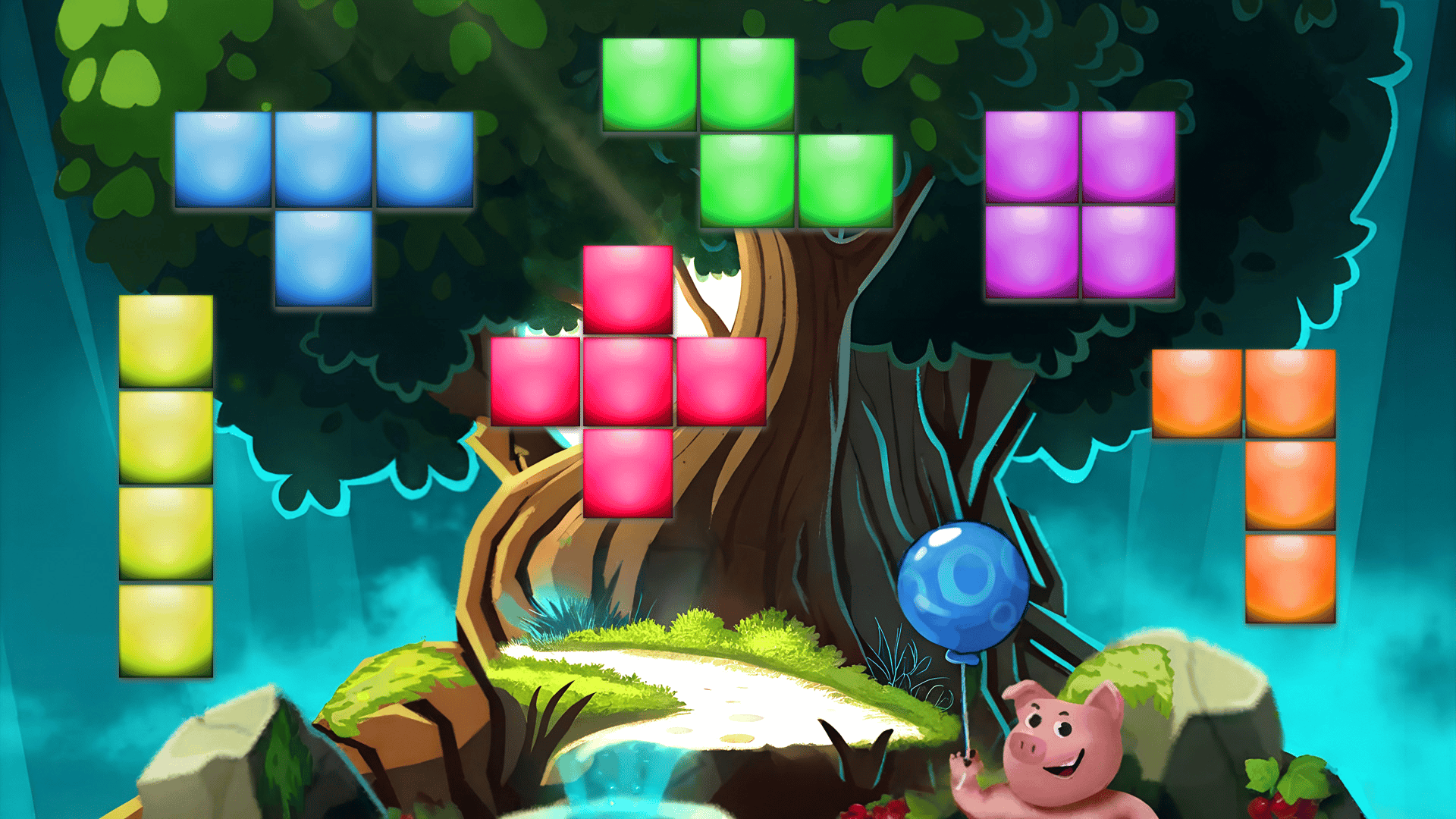
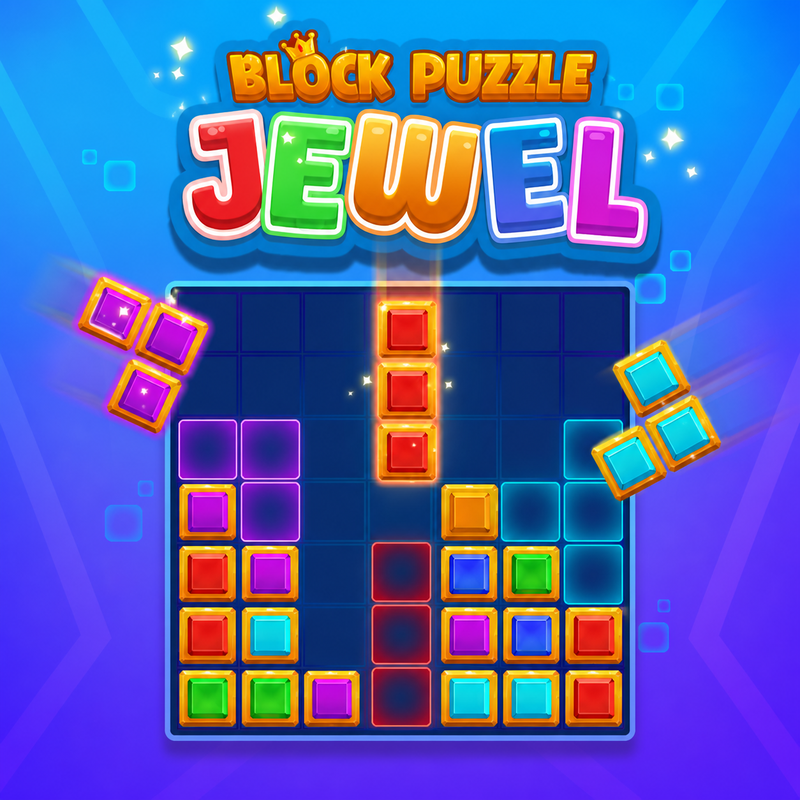
Tile Pop : Block Blast is a block puzzle game where you drag shapes onto a grid and fill complete rows and columns to clear them. Every move matters, so the aim is to plan ahead, build combos and keep the board from filling up while you chase your highest score. There are two ways to play. Classic Mode is endless block puzzle play where you try to beat your personal best. It is easy to learn and difficult to master. Adventure Mode adds random obstacles to the board, including Frozen Ice, Vines, Spider Webs, Stone Blocks, Chains, Slime, Crystals and Corrupted Tiles. Each obstacle has its own mechanics, so you need a different plan for each one, and dynamic challenge events keep every run unpredictable. There are no time limits, so you can play at your own pace. On PC, click and hold the left mouse button on one of the 3 blocks at the bottom of the screen, drag it onto the grid and release over highlighted open cells. On a phone or tablet, touch and hold a block, slide your finger to position it and lift to place it. Tile Pop is free to play in your browser, with no download and no sign-up.
Tips for Tile Pop : Block Blast
- Look at all 3 blocks at the bottom before you place any, so you can plan where each one will fit.
- Build combos by setting up several nearly complete rows and columns, then clearing them together.
- Keep open space on the grid so awkward shapes still have a place to go.
- In Adventure Mode, work out how each obstacle behaves before you commit to a placement near it.
- Use the highlighted cells as a guide and check that the block lines up before you release or lift your finger.
Tile Pop : Block Blast FAQ
Is Tile Pop : Block Blast free to play?
Yes. It is free to play in your browser, with no download and no sign-up.
How do you play Tile Pop on a phone?
Touch and hold one of the blocks at the bottom, slide your finger to position it on the grid, then lift your finger when it lines up over open cells.
How do you play with a mouse?
Click and hold the left mouse button on a block, drag it onto the grid and release over the highlighted cells to drop it.
What is the difference between Classic and Adventure Mode?
Classic Mode is endless block puzzle play focused on beating your best score. Adventure Mode is also endless but adds random obstacles such as ice, vines and slime.
Similar games
- Block Blast - A plain Block Blast game if you want the core block-clearing idea without Tile Pop's obstacle mode.
- Block Blast Mania - Another Block Blast style game to try when you want a different take on placing blocks and clearing lines.
- Block Blast 2048 - Mixes block placement with 2048 style numbers, so it plays differently from Tile Pop.