Stack Up
How to Play
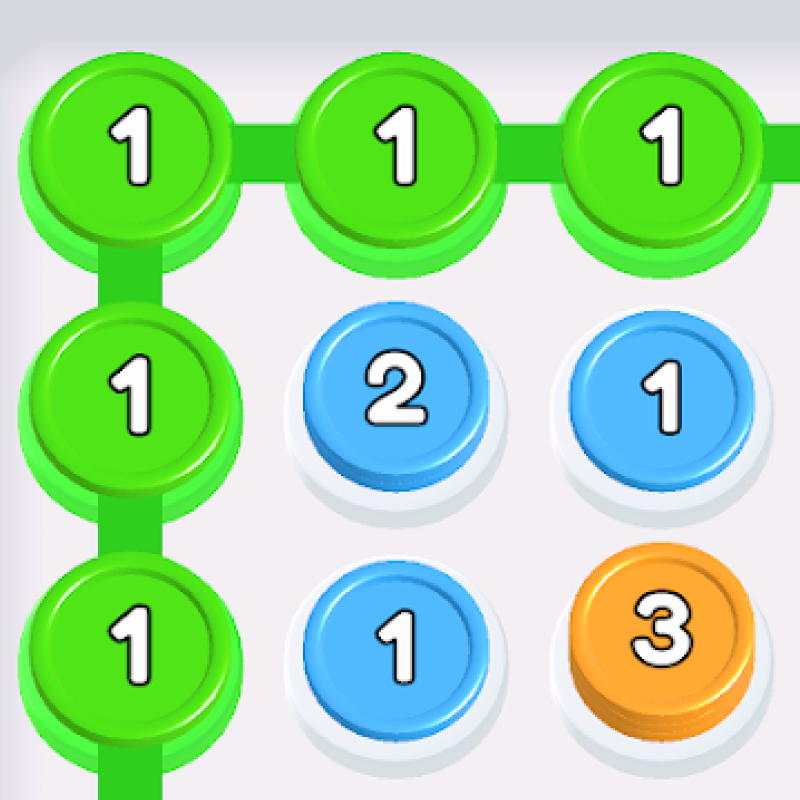
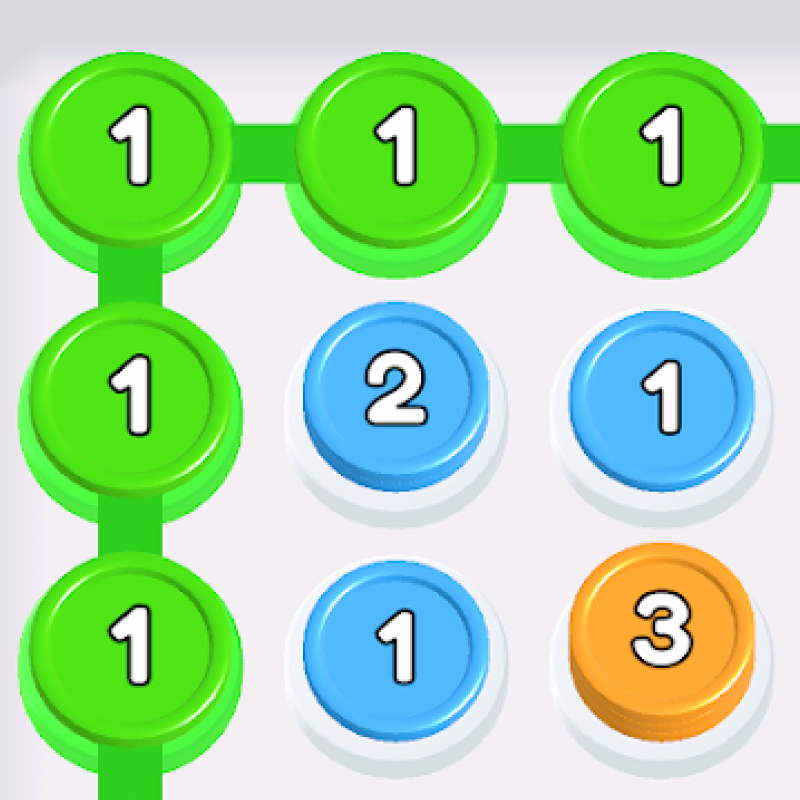
Tap on a stack: You select a stack by tapping it. Connect with other stacks of the same color: Once you select a stack, you try to link it to other stacks of the same color to form a longer chain. Form stacks / chains of 10 or more: One of the objectives is to make long stacks (length ≥ 10). Bigger stacks give more “score” / help you meet level-goals. Watch your moves: You have limited moves or constraints per level; you must achieve the objective before you run out of moves, or before you run out of opportunity. Progress through levels: Levels get harder as you go, likely adding complications (more colors, tricky board layouts, etc.).
About Stack Up
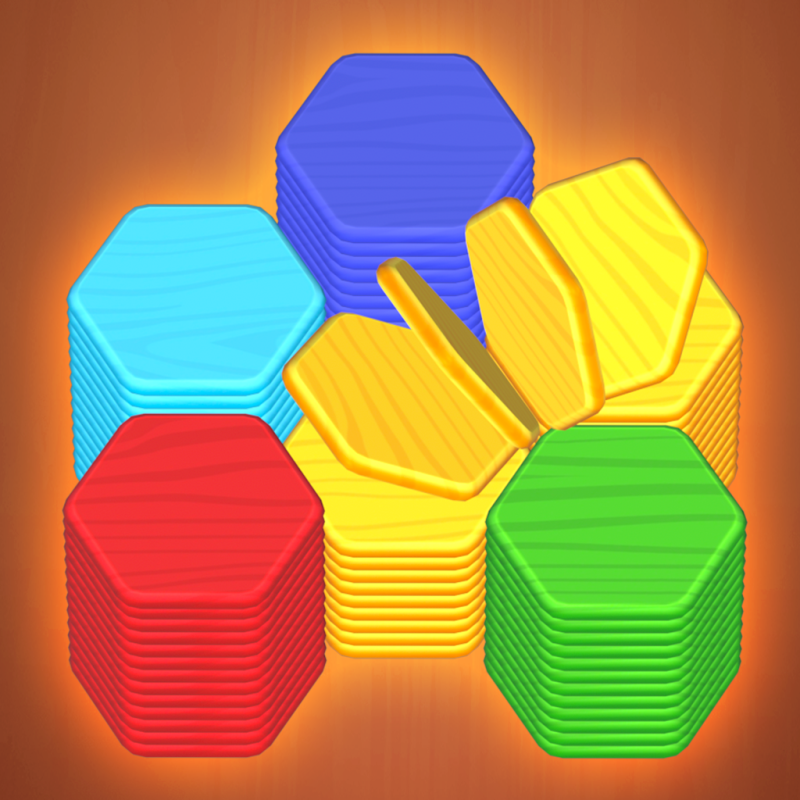
Stack Up, which also appears under the name Stack Em Up, is a casual single-player puzzle game about combining colors. Your goal is to connect stacks of the same color so they merge into longer ones. Chain enough of them together and you can reach stacks of length 10 or more, which is the main objective in many levels. What sets it apart is how simple it is to pick up. There is no complicated setup and no long tutorial. You tap a stack to select it, then link it with another stack of the same color. Bigger stacks earn more score and help you meet each level's goals, so every merge matters. Moves are limited, so you need to finish the objective before you run out of them or run out of useful options. Levels get harder as you progress, and the challenge can grow with more colors and trickier board layouts. The look is stylised and clean, which keeps the focus on planning your next link. Stack Up is free and plays in your browser on PC, phone and tablet. There is no download and no sign-up, so you can start in seconds.
Tips for Stack Up
- Plan a chain before you tap. Each move is limited, so look for links that lead to further merges.
- Aim for stacks of 10 or more early, since long stacks help you reach level goals and score more.
- Don't waste moves on small merges that don't build toward a bigger stack.
- Check which colors have the most stacks on the board and focus on them first.
- When a level gets tricky, pause and look for the sequence that keeps the most options open.
Stack Up FAQ
Is Stack Up free to play?
Yes. Stack Up is free to play in your browser with no download and no sign-up.
How do you play Stack Up?
Tap a stack to select it, then connect it to another stack of the same color. Keep chaining stacks to build longer ones and reach the level goal, such as a stack of 10 or more.
Can I play Stack Up on my phone?
Yes. It runs in the browser on phones, tablets and PCs, and the tap controls suit touchscreens.
Is Stack Up the same as Stack Em Up?
Stack Up is also called Stack Em Up. It is a casual single-player puzzle about connecting same-colored stacks.
Similar games
- Stack Swipe - Also built around stacks, but uses swiping rather than tapping to link them.
- HexaSort - Another stacking and color-sorting puzzle, played on a hexagonal layout.
- SORTY BOLTY - A sorting puzzle if you like organizing by color, with a different mechanic.