Help Me: Tricky Puzzle Games
How to Play
Read the prompt at the top of the screen. Tap, drag, or pull on the designated green targets to interact with the objects. Use creative thinking to successfully complete the funny tasks.
About Help Me: Tricky Puzzle Games
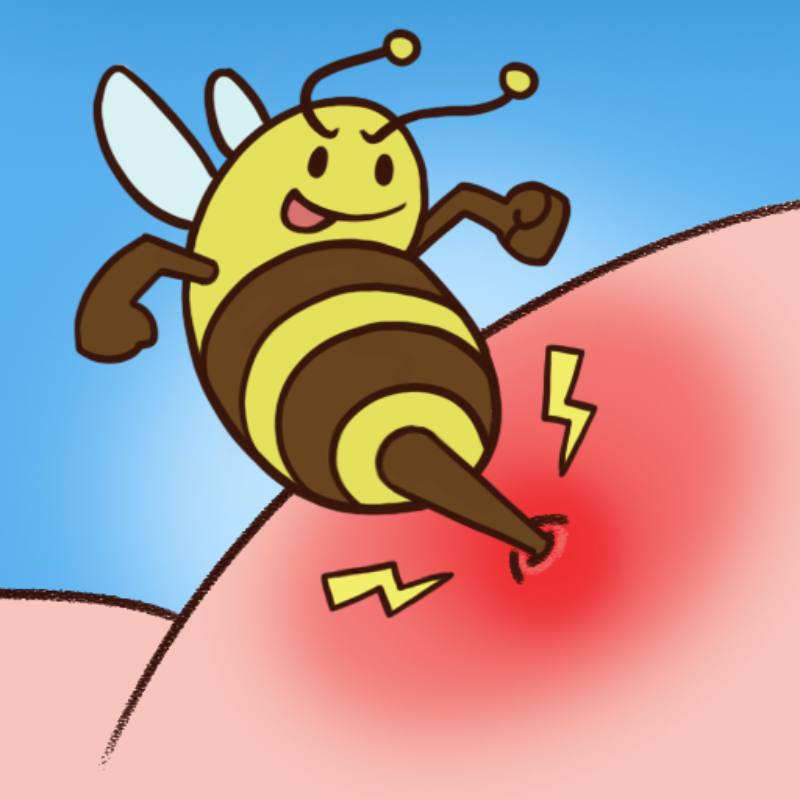
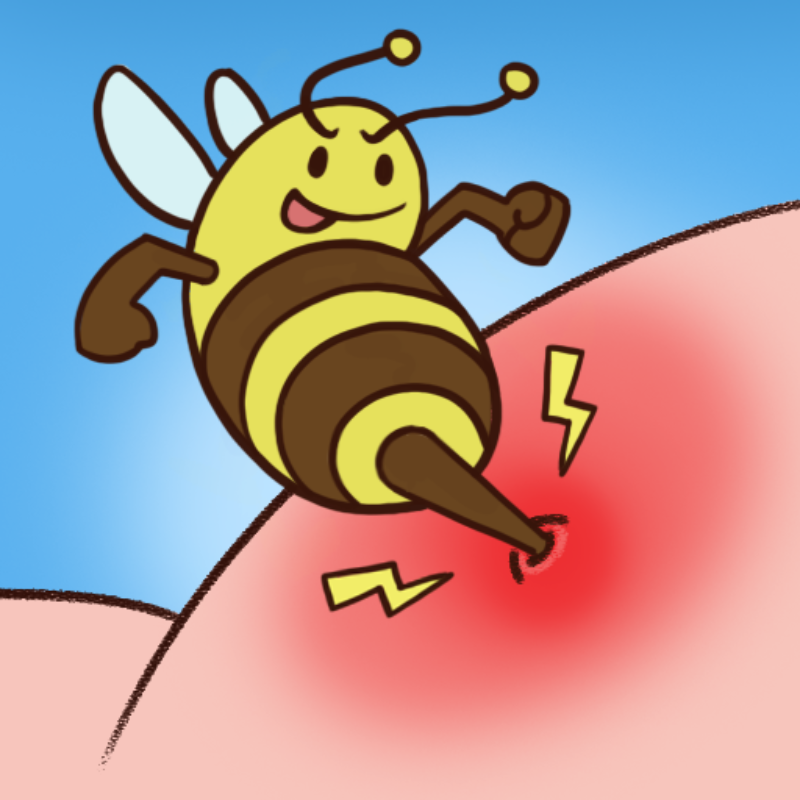
Help Me: Tricky Puzzle Games is a quirky, funny brain teaser built around bizarre little scenarios. Each one puts a character or object in trouble, and your job is to get them out of it by finding a solution nobody would expect. Every task starts with a prompt at the top of the screen. Read it carefully, because it tells you what needs to happen. Then look at the scene for the green targets. These mark the parts you can interact with. You can tap them, drag them or pull on them to make something happen with the characters and objects around them. What sets this game apart from many logic and intelligence puzzles is that the answer is rarely the obvious one. Instead of sorting or matching, you solve comical situations by thinking creatively and testing what each target does. Funny outcomes are part of the fun, and the rescue often depends on a clever twist. Help Me: Tricky Puzzle Games is free and plays in your browser on PC, phone and tablet. There is no download and no sign-up, so you can jump straight in whenever you want a quick brain workout.
Tips for Help Me: Tricky Puzzle Games
- Read the prompt at the top of the screen first, since it tells you what the scene needs.
- Look for the green targets. They show exactly which parts you can interact with.
- Try each interaction type on a target: a tap, a drag and a pull can all do different things.
- If the obvious move fails, think of a silly or unexpected approach, because the puzzles reward creativity.
- Experiment freely and watch how the characters react to get hints for the next try.
Help Me: Tricky Puzzle Games FAQ
Is Help Me: Tricky Puzzle Games free to play?
Yes. It is free to play in your browser with no download and no sign-up.
How do you play Help Me: Tricky Puzzle Games?
Read the prompt at the top of the screen, then tap, drag or pull the green targets to interact with objects and complete the funny task.
Can I play it on my phone or tablet?
Yes. The game runs in the browser on PC, phone and tablet.
What are the green targets for?
They mark the objects you can interact with. Use them to find the creative solution to each scenario.