



Brain Dots
How to Play
✏️ Draw lines or shapes anywhere on the screen. ⚽ Use your drawings to guide and push the two balls. 🧲 Take advantage of gravity and physics to control their movement. 🚧 Avoid obstacles and prevent the balls from falling away. 🤝 Your goal is to make both balls touch each other. 💡 Plan your drawing carefully and use as few lines as possible! 🎯 Complete the level when the two balls successfully meet.
About Brain Dots
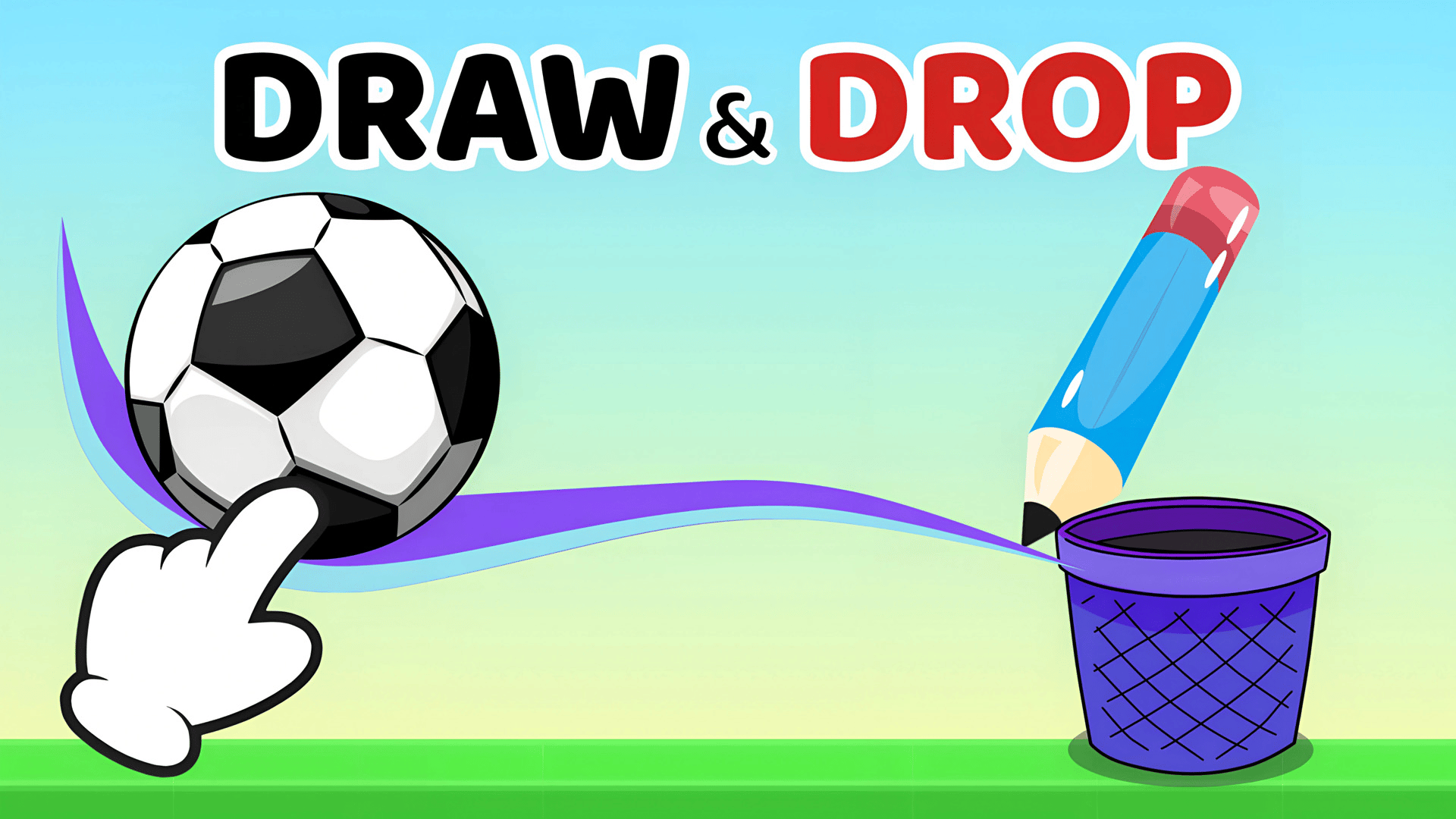
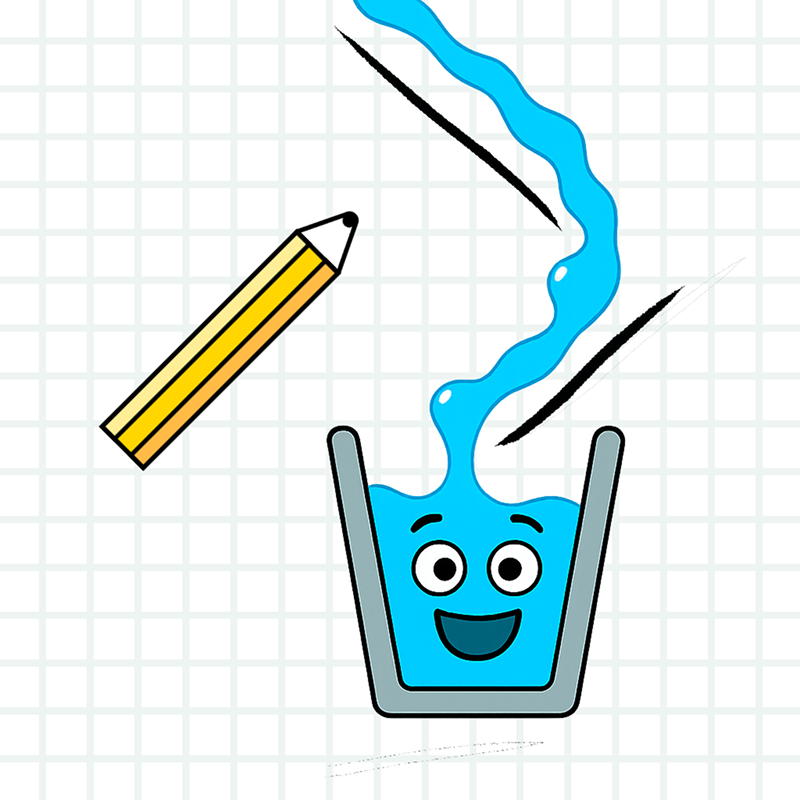
Brain Dots is a drawing physics puzzle you can play online in your browser. Two colorful balls sit apart, separated by platforms, gaps and tricky obstacles. Your job is simple: draw lines and shapes that help the two balls reach each other and touch. What sets this brain dots game online apart is that you make your own tools. There is no fixed set of pieces. You draw anywhere on the screen, and your drawing becomes a ramp, a wall, a lever or a weight that pushes the balls along. Gravity and momentum do the rest, so the same level can often be solved in more than one way. Every level has a different puzzle, which keeps you thinking about the smartest solution. Controls are easy. Use your mouse on PC or your finger on a phone or tablet to draw. Guide the balls with your shapes, avoid obstacles and stop the balls from falling away. The level is complete when both balls meet. Try to use as few lines as possible and plan your drawing before you start. Brain Dots is free, needs no download and no sign-up, and works on PC, phone and tablet.
Tips for Brain Dots
- Look at the whole level first and spot gaps and obstacles before you draw anything.
- Use gravity: draw a slope so one ball rolls toward the other and builds momentum.
- Draw a wall or barrier to stop a ball from falling away.
- Aim for as few lines as possible; a simple shape often works better than a complicated one.
- If a drawing fails, restart and try a different shape or angle.
Brain Dots FAQ
Is Brain Dots free to play online?
Yes. Brain Dots is free to play in your browser, with no download and no sign-up.
How do you play Brain Dots?
Draw lines or shapes on the screen to guide and push the two balls. Use gravity and physics so they touch each other, and the level is complete.
Can I play Brain Dots on my phone?
Yes. It runs in the browser on phones and tablets as well as PC. Draw with your finger or a mouse.
Is there a limit on how many lines I can draw?
The game suggests using as few lines as possible, so plan your drawing carefully for the best solution.
Similar games
- Fill The Lines - Also a line-based puzzle, but about filling lines rather than drawing shapes under physics.
- Save King - Another puzzle where you solve each level by thinking through a clever solution.
- Slime Loop - A different brain-teasing puzzle with its own mechanic instead of drawn physics paths.