

Solitaire: The Eternal Deck
How to Play
Objective of the Game Sort the entire deck into four foundation piles, arranging each suit in ascending order—from ace to king. How to Play Cards can be moved by dragging or with a single tap. Cards are placed in each foundation pile strictly in ascending order within a single suit. Only a king may be placed on an empty space on the playing field. Cards on the playing field are arranged in descending order, with colors alternating (for example, a red card one rank lower is placed on a black card). You can move either a single card or entire sequences, provided they are arranged according to the rules. Click on the deck to draw a new card. Once the deck is empty, you can refresh it using the refresh button. Additional Information Cards from the “homes” may be returned to the playing field. Use the undo feature to adjust your strategy. Bonus points are awarded if you first place a card on the playing field and then send it to a “home.”
About Solitaire: The Eternal Deck
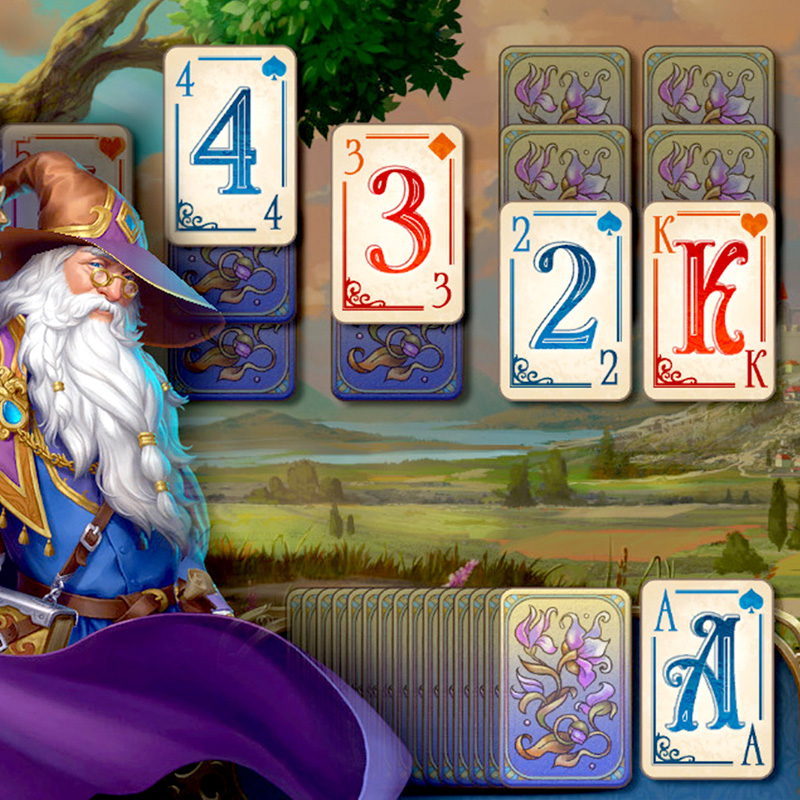
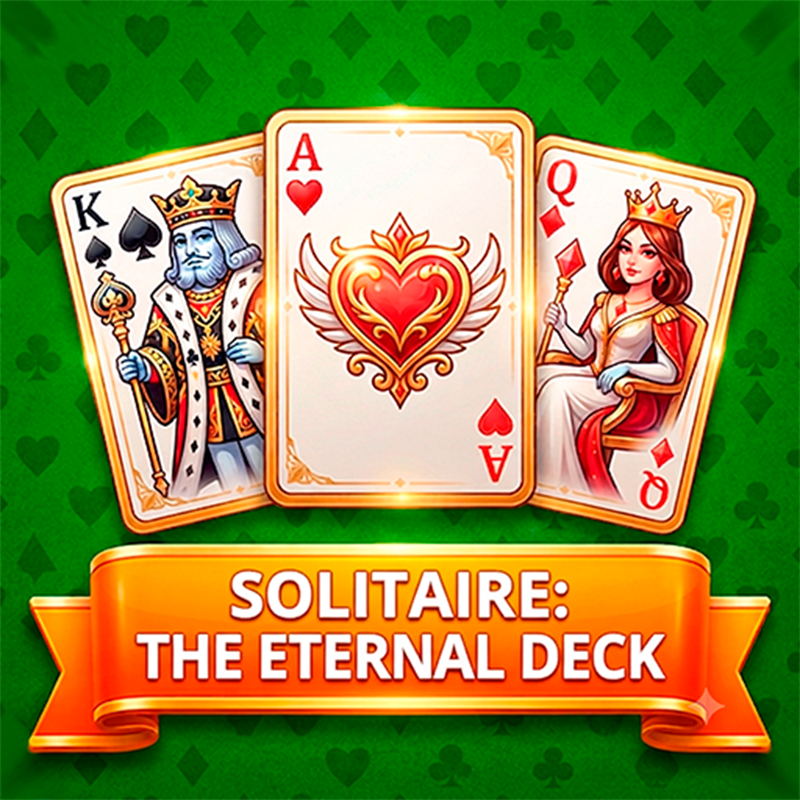
Solitaire: The Eternal Deck is a classic card solitaire game with a clean, modern design. The goal is to sort the whole deck into four foundation piles, building each suit in ascending order from ace to king. On the playing field, cards go in descending order with alternating colors, so a red card one rank lower goes on a black card. You can move a single card or a whole sequence that follows the rules. Only a king can fill an empty space. Click the deck to draw a new card, and when it runs out, use the refresh button to turn it over again. What sets this version apart is how easy it is to handle. You can drag cards or tap once and the correct move is made for you. Undo is unlimited, so you can test an idea and step back to try another route. Once every hidden card is revealed, the game can auto-complete. The deal generation has also been improved to give a better chance of a winnable game without losing the challenge. Cards can be returned from the homes to the playing field, and you earn bonus points if you place a card on the field first and then send it home. It plays free in the browser on PC, phone and tablet, with no download and no sign-up, and suits a quick break or a long session.
Tips for Solitaire: The Eternal Deck
- Use unlimited undo to test a risky move, then step back if it blocks your columns.
- Reveal hidden cards first, because auto-complete unlocks once every card is face up.
- Move whole sequences when the rules allow it to free up a column faster.
- Keep an empty space for a king, since only a king can fill it.
- Try placing a card on the field before sending it home to earn bonus points.
Solitaire: The Eternal Deck FAQ
Is Solitaire: The Eternal Deck free to play?
Yes. It is free, runs in your browser and needs no download or sign-up.
How do you win?
Move all cards into the four foundation piles, building each suit in ascending order from ace to king.
Can I play it on my phone?
Yes. It works on phones, tablets and PCs. You can drag cards or tap once to move them.
Can I undo a move?
Yes. Undo is unlimited, so you can adjust your strategy as often as you like.
Similar games
- Solitaire The Collection - A solitaire collection if you want more variety than a single classic game.
- Solitaire Tripeaks - Uses the TriPeaks layout instead of building columns from king down to ace.
- Stackitaire - Another take on solitaire card play with its own twist on stacking.