




Petdoku: Cozy Puzzle Games
How to Play
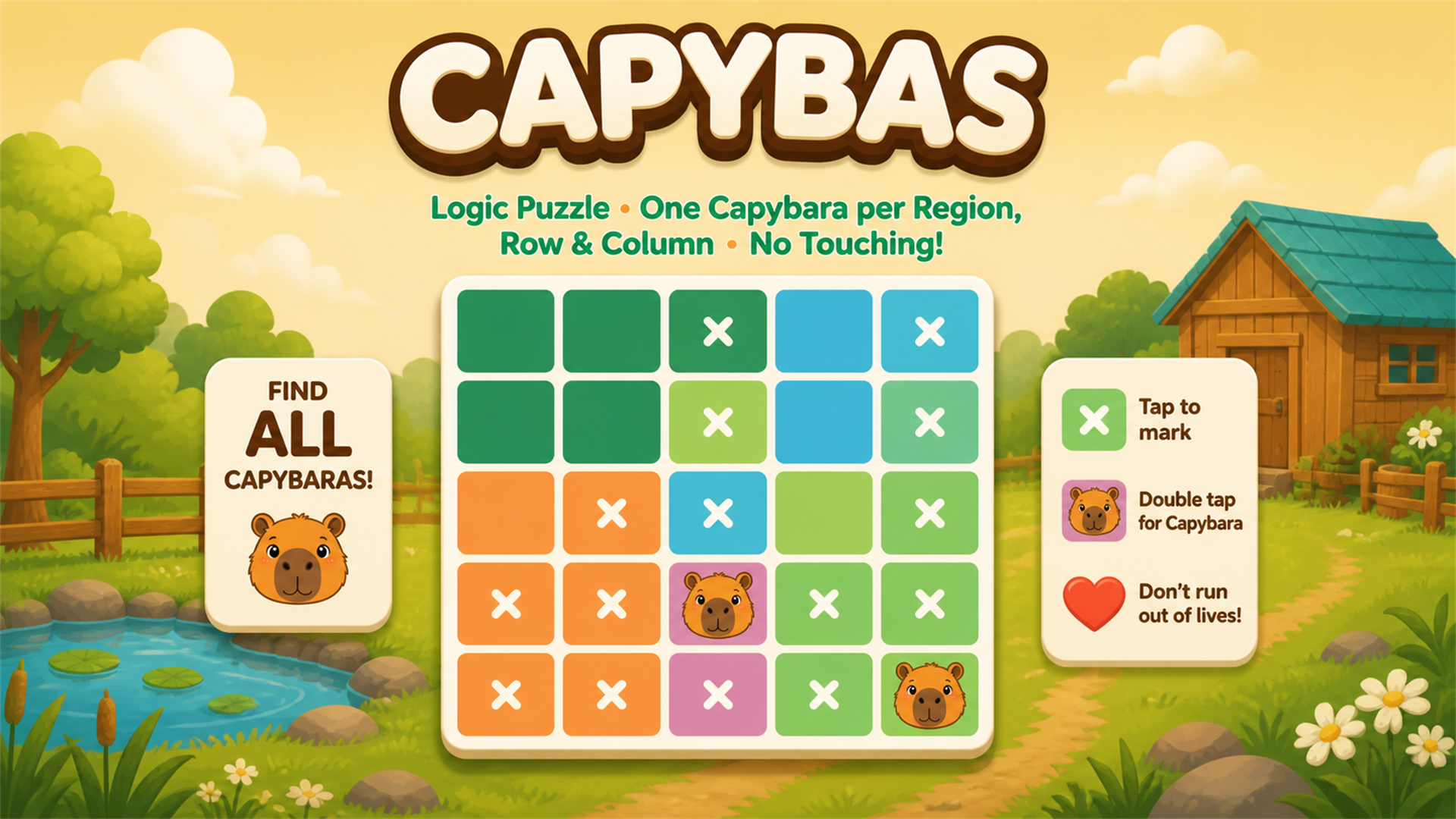
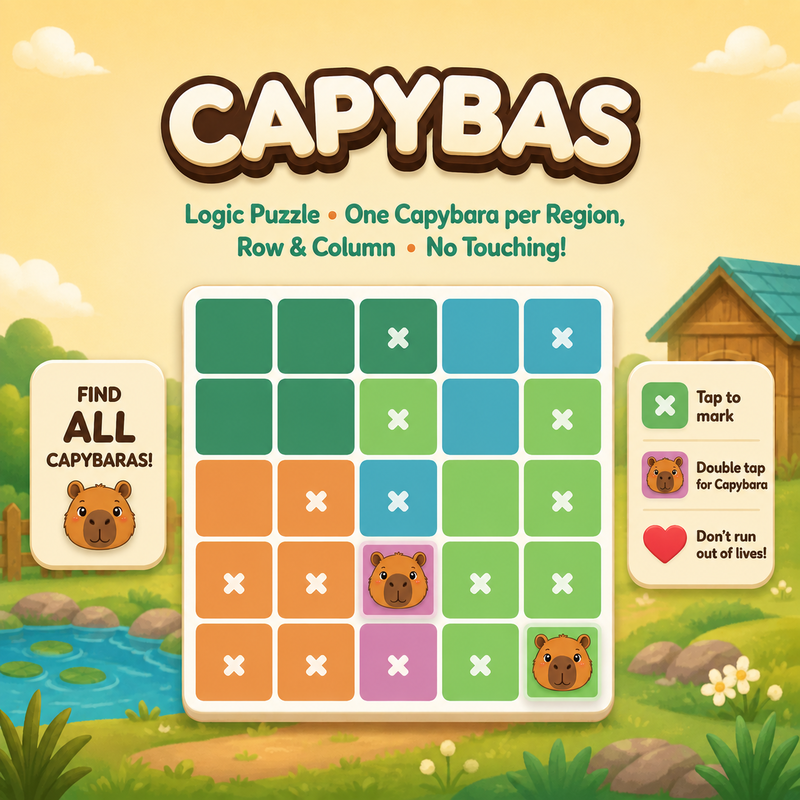
Tap – Mark a cell with an X. Double Tap – Place a dog in a cell. Drag – Mark multiple cells quickly. Swipe – Move across cells to mark them. Undo – Reverse your last move. Hint – Get help with the next move.
About Petdoku: Cozy Puzzle Games
Petdoku online is a cozy logic puzzle that blends the strategic thinking of Minesweeper with the number-crunching feel of Sudoku. Your goal is to work out where the dogs belong on the grid and, by solving it, uncover the hidden map of your dog's favorite territory. What sets it apart from a standard Sudoku logic puzzle is the twist on how you reason. Instead of filling every square with digits, you decide which cells are empty and which hold a dog. Mark the cells you rule out with an X, and place a dog once you are sure. Each deduction narrows down the rest of the board, much like clearing safe squares in Minesweeper. Controls are simple. Tap a cell to mark it with an X, and double tap to place a dog. Drag across the grid to mark several cells quickly, or swipe over cells to mark them as you move. If you make a mistake, use Undo to reverse your last move. Stuck on a tricky spot? The Hint button gives you help with the next move. Petdoku is free and plays in your browser on PC, phone and tablet, with no download and no sign-up. It suits anyone who likes calm brain teasers with a friendly animal theme.
Tips for Petdoku: Cozy Puzzle Games
- Use the X mark to eliminate cells you are certain about before placing any dog, so the remaining options become clearer.
- Drag or swipe across a row or column to mark many cells at once when you know none of them can hold a dog.
- Double tap to place a dog only when the logic is solid, since a wrong guess can mislead later deductions.
- Use Undo to step back when a contradiction appears instead of restarting the puzzle.
- Save Hint for when you are truly stuck; it shows the next move and can reveal the line of reasoning you missed.
Petdoku: Cozy Puzzle Games FAQ
Is Petdoku free to play online?
Yes. Petdoku is free to play in your browser, with no download and no sign-up.
How do you place a dog in Petdoku?
Double tap a cell to place a dog. A single tap marks the cell with an X to show it is empty.
Can I play Petdoku on my phone?
Yes. It runs in the browser on phone, tablet and PC, and the tap, drag and swipe controls suit touch screens.
What if I make a wrong move?
Press Undo to reverse your last move, or use Hint to get help with the next move.
Similar games
- Rat's House - Nonogram - Another grid logic puzzle, where you fill in cells from number clues to reveal a picture.
- Fill The Lines - A lighter line-filling puzzle that needs less deduction than Petdoku.
- Zip Zap - A different kind of brain teaser if you want a break from grid logic.