


Nonograms: Pixel Garden
How to Play
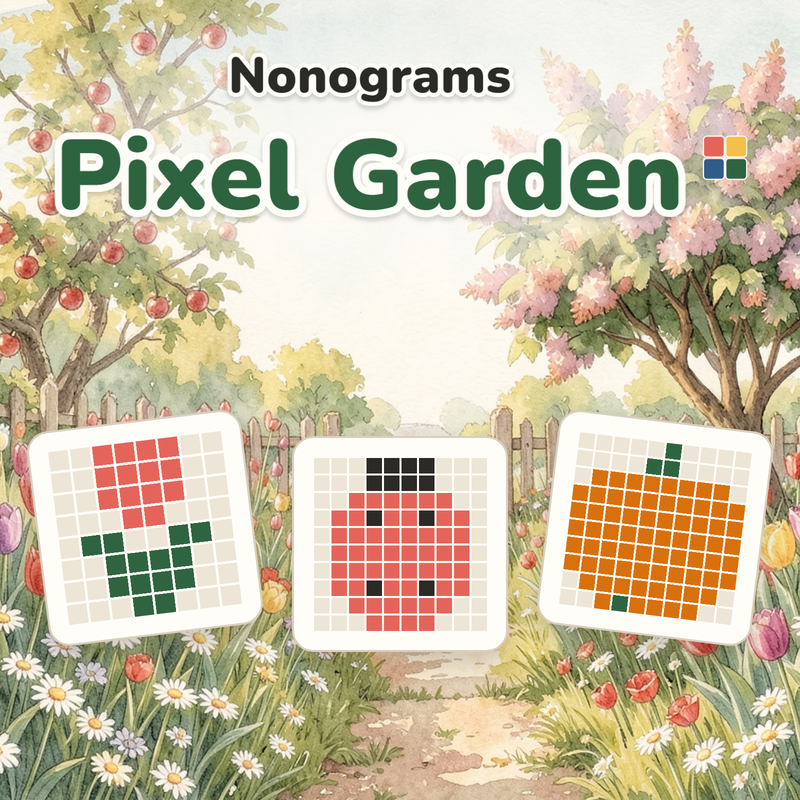
A number next to a row or column is the length of a run of filled cells, and its colour is the colour of that run. Several numbers mean several runs in that order; runs of the same colour have at least one empty cell between them. • Tap a cell to fill it with the selected colour; drag to fill a line. • Pick a colour with the buttons below; "×" marks cells that are surely empty. • Undo takes a move back, any number of times. • The "+1 cell for 3 seeds" hint reveals a correct cell. • "Zoom" or a pinch zooms in: one finger paints, two fingers pan. A big grid opens zoomed in; "Whole field" shows all of it. • On a computer: arrows move the cursor, Space or Enter fills, X crosses, 1–5 pick a colour, Z undoes, +, − and 0 zoom, Esc opens settings; the wheel pans a big grid. A finished line greys out its numbers. Start with lines whose numbers nearly fill them. With mistake checking on, a mistake costs a leaf; out of three, restart, take three more for an ad or play on without checking.
About Nonograms: Pixel Garden
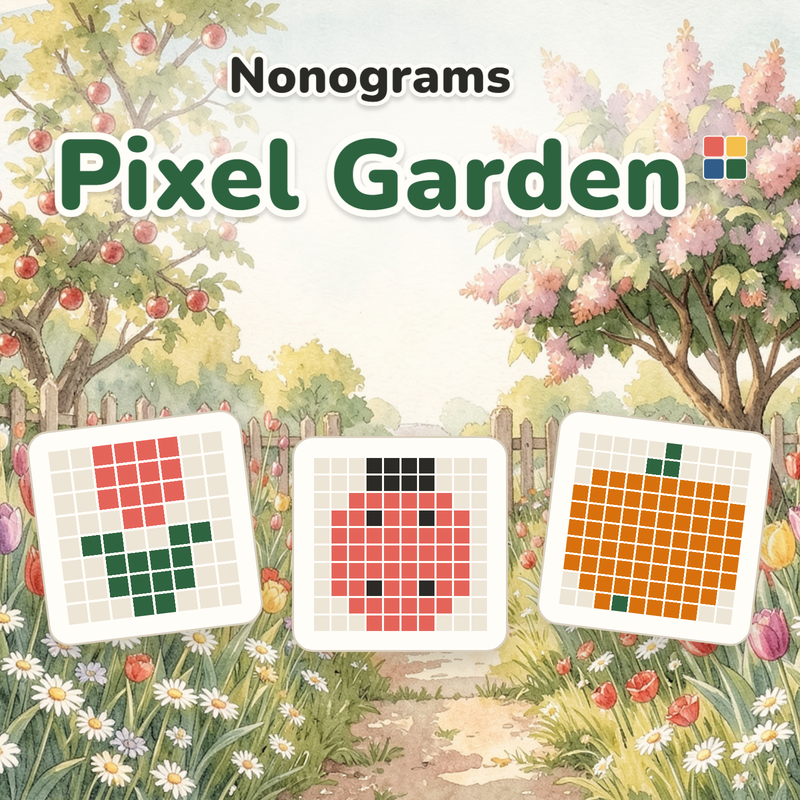
Every puzzle solves by logic alone, no guessing, no timer, no competition. Fill cells by coloured numbers along rows and columns, and a picture emerges from the very cells you filled, then settles onto its bed in the garden. 168 pictures from 5×5 to 30×30 in 14 garden corners, plus a new daily 10×10. Large high-contrast numbers; a big grid opens zoomed in, and "Whole field" shows all of it. Two more ways to play: "Endless mode", a path of black-and-white puzzles growing from 5×5 to 30×30, and "Random puzzle" with the size and difficulty of your choice. Corners open for seeds earned by solved pictures. The "With mistake checking" mode corrects a wrong cell at once and takes one of three leaves; "Classic" has no checking at all. Undo is unlimited, and an unfinished grid is saved after every move.