


Bus Jam
How to Play
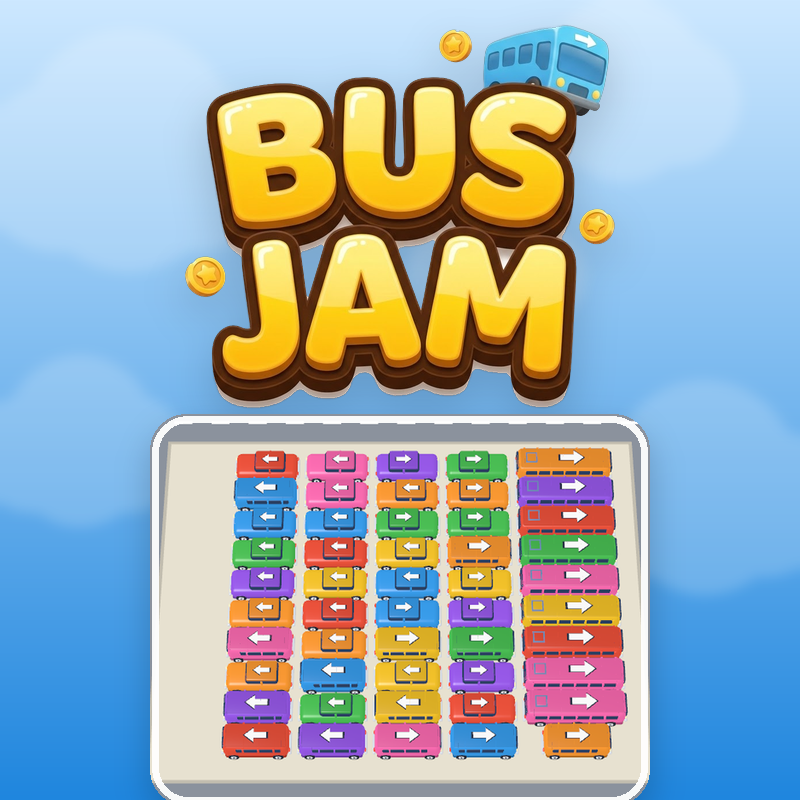
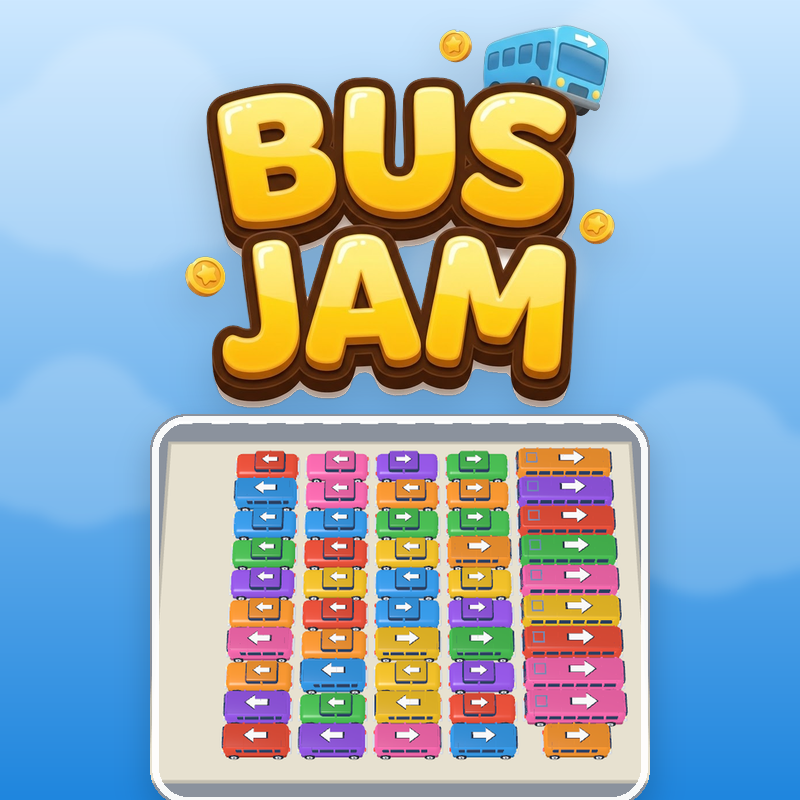
- Tap (or click) a vehicle in the car park to drive it out along its arrow. - It can only leave if nothing is parked between it and the way out; otherwise it bumps back into place and you lose nothing but the move. - A vehicle that gets out pulls into a free bay and boards passengers of its own colour from the front of the queue. - A full bay drives away and frees itself up again. If every bay is full and the passenger at the front has nowhere to go, the level is over. - Clear the whole queue to win the level, and earn coins and stars. - Boosters: VIP lifts any vehicle straight out, Arrange sorts the queue by colour, Jumble reshuffles it. Coins buy more, or watch a short ad. - Locked bays can be opened with coins or a rewarded ad at any time. Controls: tap / click only. No keyboard needed. Works on phone, tablet and desktop.
About Bus Jam
Bus Jam is a free online puzzle that puts two problems on one screen. The bottom half is a crowded car park full of cars, vans and buses, each painted a colour and pointing along an arrow. The top half is a queue of passengers waiting in colour blocks. Tap a vehicle and it drives out along its arrow, but only if nothing blocks the way. If something is in the path, it just bumps and honks. Each vehicle you free pulls into a bay and boards passengers of its own colour from the front of the queue. A bay leaves only when it is full, and you only have a few bays, so pulling out the wrong vehicle can fill a bay with passengers nobody needs. Clear the whole queue before the bays jam up to win. What sets this bus jam game apart is that levels are generated, so they never run out. The car park comes in ten layouts, including rows, rings, herringbone, spiral and sunburst, across thirteen worlds that change every five levels, from City Park to Snow Town. Coins buy extra bays and boosters: VIP pulls out any vehicle, Arrange sorts the queue, and Jumble reshuffles it. Controls are tap or click only, so it plays in the browser on PC, phone and tablet with no download and no sign-up.
Tips for Bus Jam
- Check each vehicle's arrow before tapping and look for ones with a clear path to the exit.
- Match vehicles to the colour at the front of the queue so bays fill up and drive away quickly.
- Don't free a vehicle just because it can move; the wrong colour fills a bay with passengers nobody needs.
- Keep a free bay in reserve, because if every bay is full and the front passenger has nowhere to go, the level ends.
- Save boosters for tight spots: VIP for a blocked vehicle, Arrange or Jumble when the queue order hurts you.
Bus Jam FAQ
Is Bus Jam free to play online?
Yes. Bus Jam is free and plays in your browser with no download and no sign-up.
How do you play Bus Jam?
Tap a vehicle to drive it out along its arrow. It boards passengers of its own colour, and a full bay drives away. Clear the whole queue to win.
Can I play Bus Jam on my phone?
Yes. It works on phone, tablet and desktop, and the controls are just tapping or clicking.
What happens if a vehicle is blocked?
It bumps back into place and honks. You lose nothing but the move.
Similar games
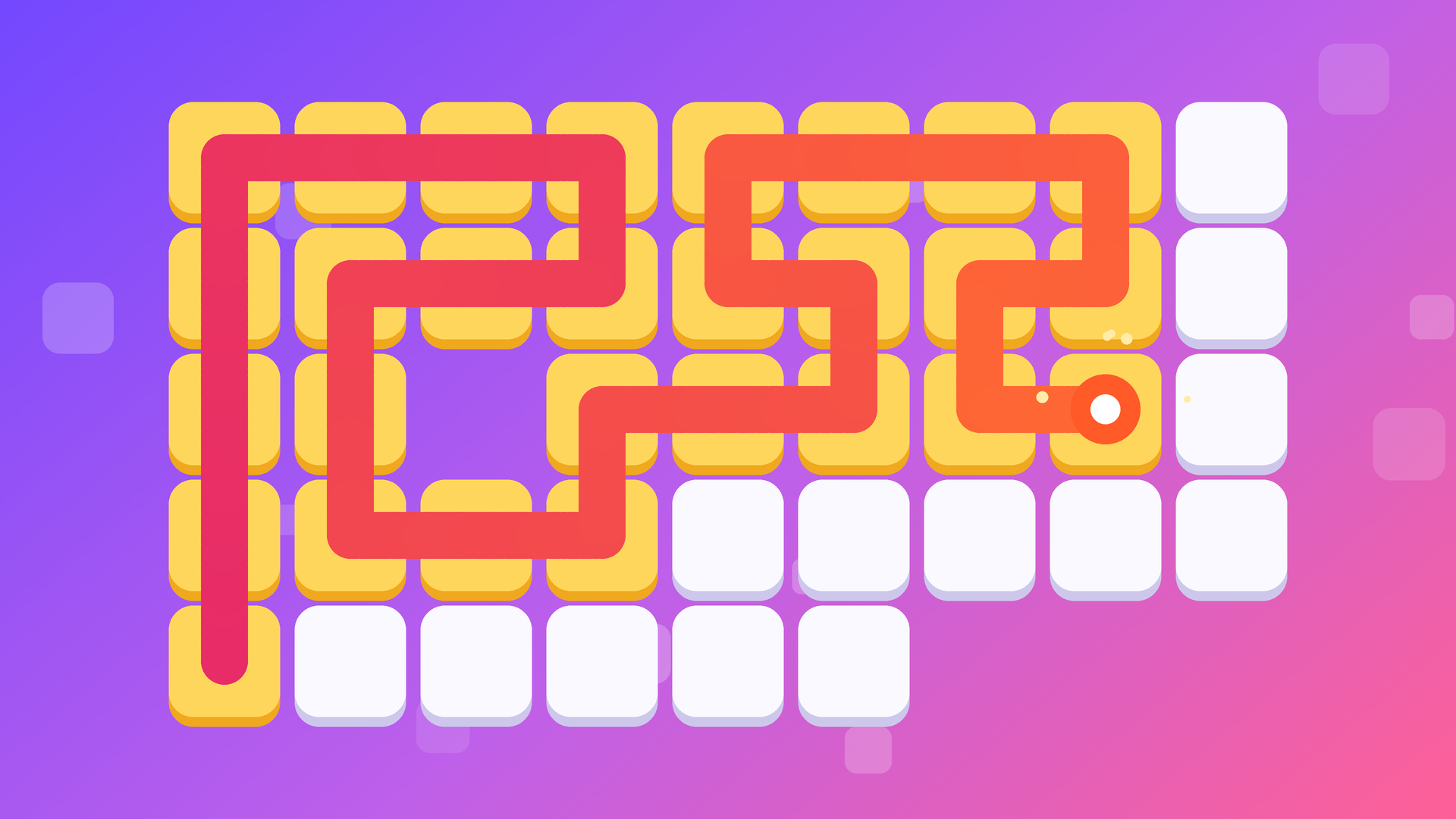
- Fill Line: Cover Every Cell - Another logic puzzle, but you draw a line to cover every cell instead of freeing vehicles.
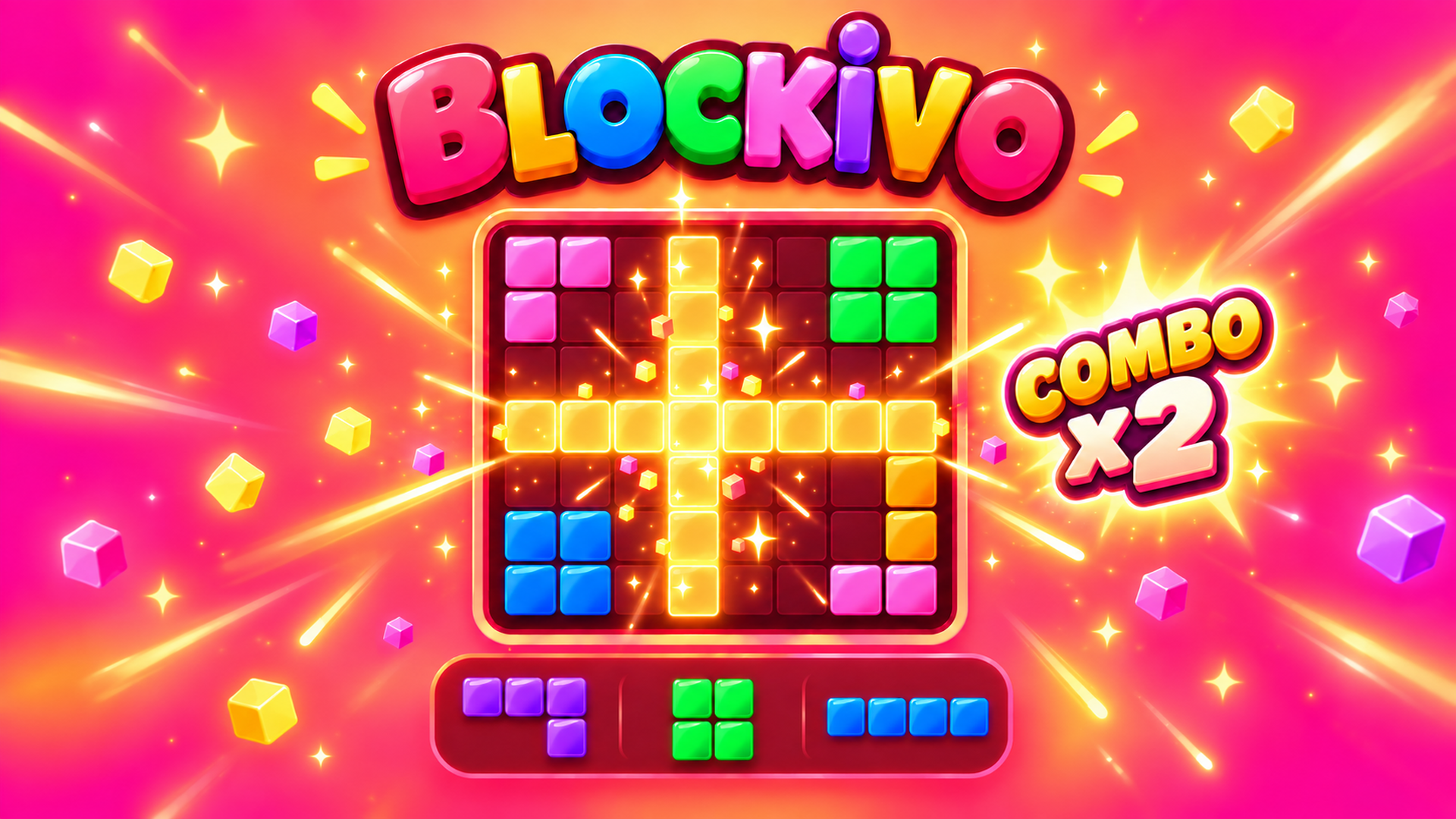
- Trimino - A piece-placing puzzle, with no queue or colour matching of passengers.
- Fruit Fusion - A merge-style puzzle where you combine items rather than clear a jam.