




Patch Garden
How to Play
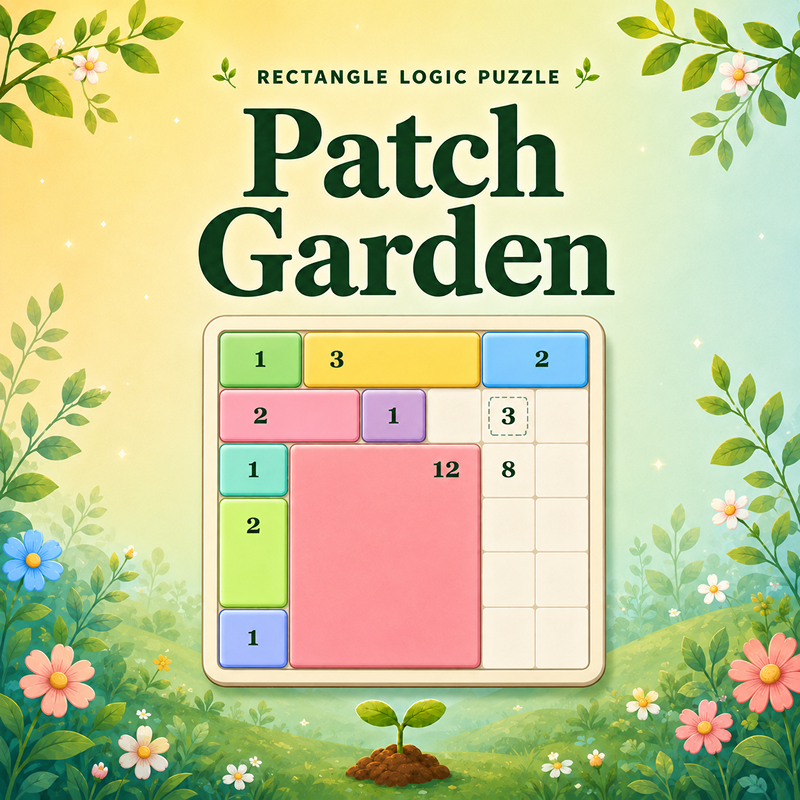
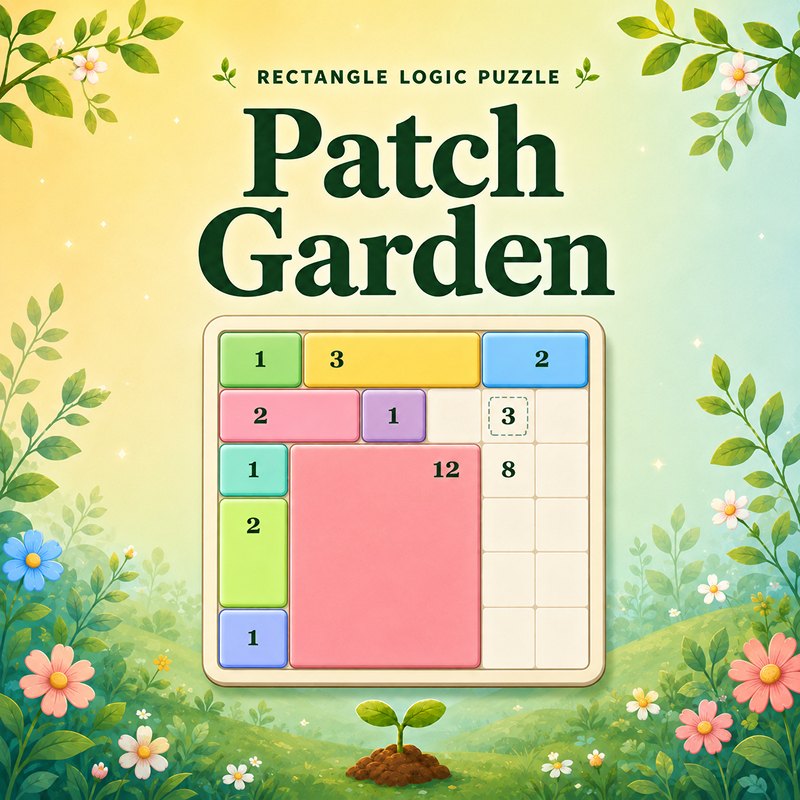
Grow the Perfect Garden! In Patch Garden, your goal is to fill the entire board with clean rectangular patches. Each seed clue belongs to exactly one rectangle, and the rectangle must match the clue's area. Think carefully, avoid overlaps, and cover every cell to complete the level. Desktop Controls: Mouse: Click and drag across the grid to draw a rectangular patch. Ctrl+Z: Undo your last move. E: Activate Erase mode, then click a placed patch to remove it. H: Use a hint to highlight a helpful solution area. Ad Hint Button: When your free hints run out, watch a rewarded ad to unlock one extra hint. Mobile Controls: Touch Drag: Drag from one cell to another to draw a rectangular patch. Undo Button: Tap to undo your last move. Erase Button: Tap to activate Erase mode, then tap a placed patch to remove it. Hint Button: Tap to highlight a helpful solution area. Ad Hint Button: When your free hints run out, watch a rewarded ad to unlock one extra hint.
About Patch Garden
Patch Garden is a cozy rectangle logic puzzle where every seed clue grows into one perfect garden patch. Drag across the grid to draw rectangles, match each clue's area, and fill the whole board without gaps or overlaps. Start with simple tutorial gardens, then progress through hundreds of increasingly clever levels with mystery seeds, exact-size clues, larger boards, and tougher deduction challenges.